

Family Connect
One account for the whole family's eSIMs
Buy plans for your partner, kids or parents, see how much data each one has left, and top them up from your phone.
How Family Connect works
1
Invite by email
Type their email. They get an invite and sign in with a code, no password.
2
Buy a plan for them
Pick the country and data for each member and pay once, from your account.
3
They install it
The eSIM appears in their account, ready to install on their phone.
4
You see data left
Every member's plan, data left and days left, in one list.
5
Top up anytime
Running low? Add data to their eSIM from your phone.
Good to know
You pay, they useOnly you can buy plans for members. They never need a card.
Disconnect anytimeTheir Family Connect access ends right away. Their installed eSIM keeps working.
 9:41
9:41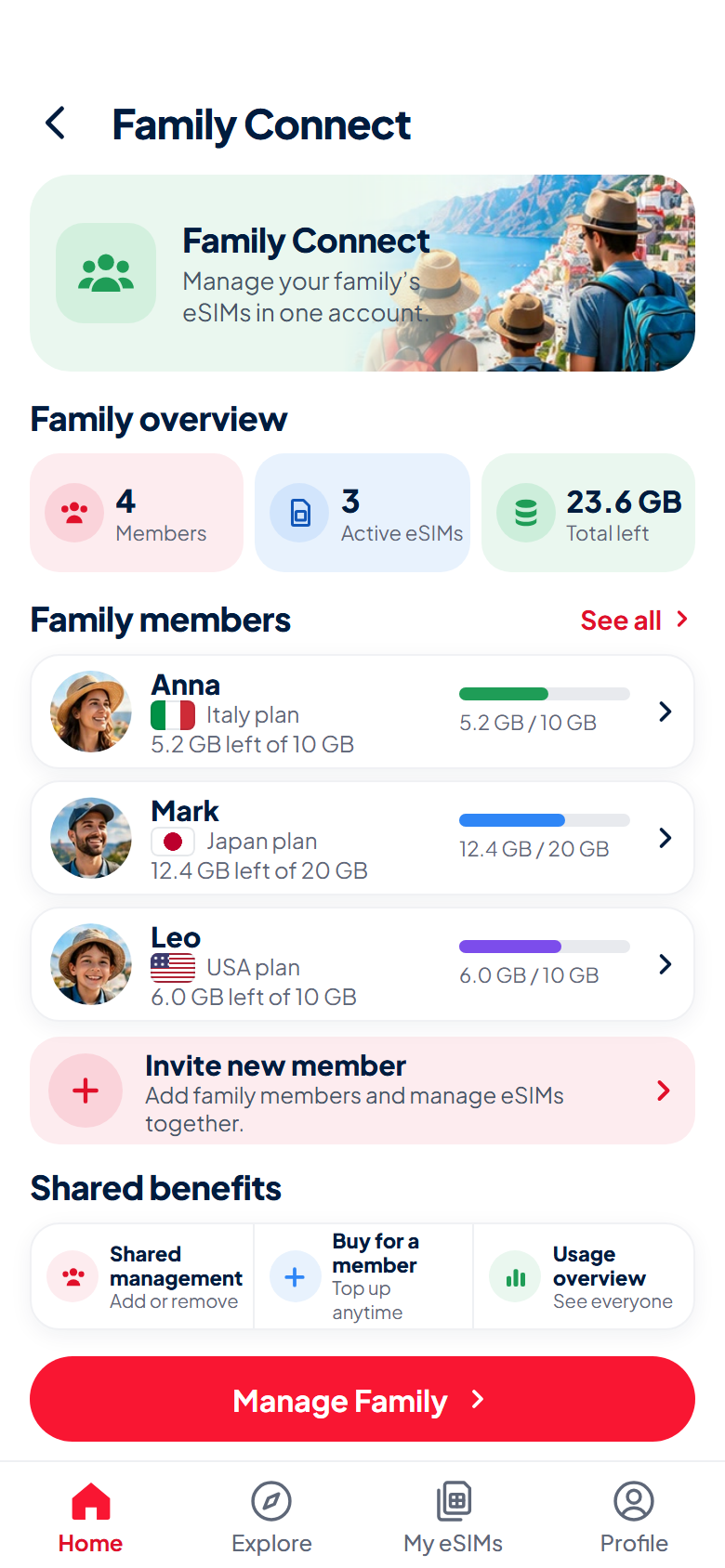 9:41
9:41